VNC for Android Phones and Tablets

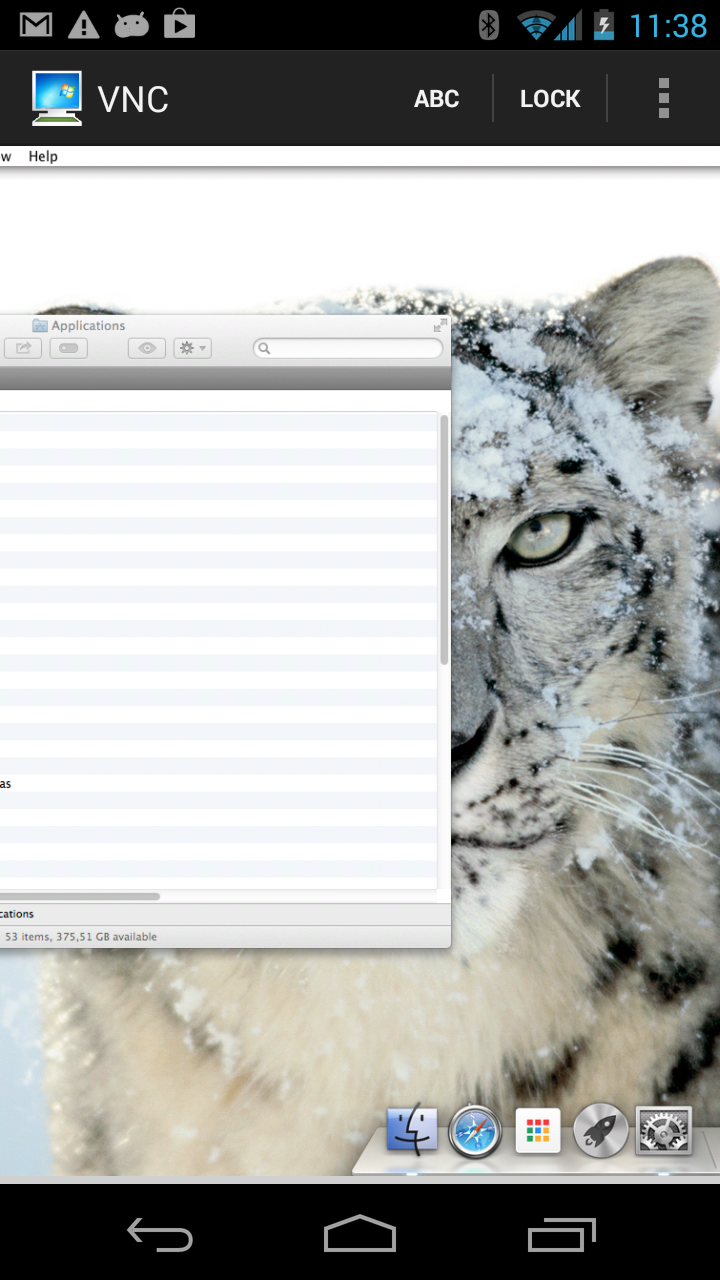
Mocha VNC provides access to VNC Servers. Using your Android phone or tablet, you can connect to a Windows or  Mac OS X workstation and see the files, programs, and resources exactly as you would if you were sitting at your desk, just on a smaller screen.

  • - Designed for both phones and tablets
  • - Standard VNC protocol with encrypted password
  • - 8 and 32 bit color modes
  • - Mac OS X sign on (Lion needs it)
  • - Pinch zoom (2 fingers)
  • - Fast scroll
  • - PIN code lock for password protection
  • - NETBIOS look up for easy configuration on WIFI
  • - Network tool (ping and IP address display)
  • - Configurable hardware keys to VNC functions
  • - CTRL, ALT and the special Mac OS X keys option/command
  • - Mouse support: left and right click + dragging and hover
  • - Many PC keys, including ctrl+alt+del
  • - Supports the Apple version of VNC (Apple Remote Desktop)
  • - Local Mouse
  • - Has been tested with RealVNC, TightVNC, UltraVNC and OS X 10.7
  • - Free upgrades to new versions of the product
  • - Single user license :  5.85 USD
  • - Download today a 30 days free trial


Mocha VNC for Android
Quick keyboard guide

  • Camera key = Toggle scroll/zoom mode (*)
  • Search key = Toggle scroll/zoom mode (*)
  • Volume key up = Quick zoom in/out
  • Volume key down = Right mouse click
  • Track ball click = Return
  • Track ball = Cursor up/down/left/right
  • Tap the screen = Put mouse at the position
  • Hold down finger on the screen = Mouse dragging mode
  • Move finger on the screen = Scroll or zoom the screen
  • 2 fingers on the screen = Zoom in/out
(*) key may not exist on all phones. Check the phone manual.

The above functions can be customized in menu - settings - terminal


Price information
5.85 USD (~4.5 EUR)
99.85 USD for an unlimited Company license
Lifetime free upgrades and support
 
Online user documentation. User Guide


(*) Tested with
  • - T-Mobile G1 , OS 1.6
  • - HTC Hero , OS 2.1
  • - Motorola Milestone, OS 2.2.1
  • - Asus tablet OS 3.2
  • - Samsung tablet OS 2.2
  • - Acer tablet OS 3.1
  • - Galaxy Nexus OS 4.0 (Ice Cream Sandwich)

Installation:


ProductDevice typeVersionOTA File SizeOnline User manualChange log
VNCAndroid OS 1.6 - 3.2
Both phones and tablets
2.1 vnc.apk 126 k. byte guide vnca.txt
 

How to install:

OTA file: Download direct to the Android phone (OTA = Over-the-air , in other words use the Android phone browser to download software direct to the phone). A small screen friendly page is at URL  http://mochasoft.dk/aa.htm

Order a license:

As there are many Android phones and OS versions, we cannot test on all devices. Therefore, make sure to test for some time before making an order.

  • - 1 single user license = 5.85 USD
  • - 1 unlimited company license = 99.85 USD

With a company license it is possible to install the product on an unlimited number of Android phones as long as the phones belong to a single company in one country.

With a single user license it is possible to install the product on one Android phone.

Lifetime license: Unlimited free product updates. A license key is valid for any future release of the product.
There are no maintenance or support fees. We offer free e-mail support to all customers.

Buy Now